Junk File Cleaner
Finds leftover installers, old logs, crash dumps and other files programs leave behind, sorted by where they came from.
PC Performance Top Tools
Review unnecessary files, manage digital clutter, and keep your PC organized with a simple cleaning utility.
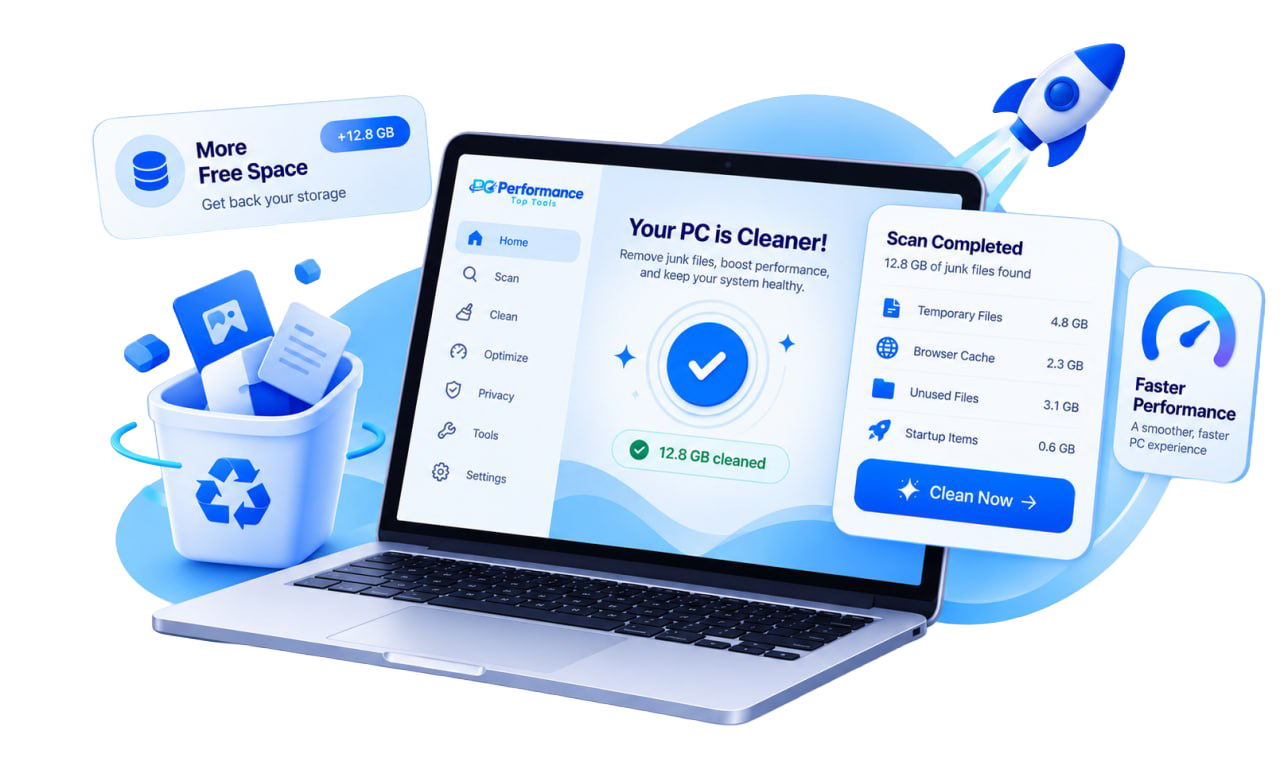
Live scan preview
The scan checks common clutter locations, sizes up what it finds, and lists it by category so you can decide what goes.
Demo preview with sample results. Your scan results will depend on your PC.
Before and after
On the left, a desktop buried in temp files, stray downloads and duplicates. On the right, the same PC once you've cleared what you didn't need.
Features
Each tool handles one kind of clutter and shows you exactly what it found before you clean anything.
Finds leftover installers, old logs, crash dumps and other files programs leave behind, sorted by where they came from.
Clears out files Windows and your apps created for short-term use and never removed.
Reviews cached pages and images in each browser you use, one browser at a time.
Maps every drive by category so you can see which folders are growing.
Lists your biggest files with their location and the last time they were opened.
Matches identical photos, documents and downloads by content, not just by name, and keeps the original you pick.
Choose which apps open when Windows starts, and switch off the ones you rarely use.
Clears recent-file lists, browsing history and form data you choose.
How it works
The utility never skips straight to deleting. You see the findings and pick what to remove.
Analyze selected areas of the PC.
Review potentially removable files.
Choose what you want to remove.
Built for clarity
May help identify unnecessary files and digital clutter. It tells you what it found and where, then waits for your decision.
Pick the areas to check, such as temp folders, browser caches or downloads, and start with one click.
Every finding shows its size, its location and the category it belongs to.
Nothing is removed until you select it and confirm. Unselect anything you want to keep.
Nothing is removed until you select it and confirm.
Pricing
One-time payment with no recurring charges or hidden subscription fees.

Prices are displayed in USD. Please review the product details, payment terms before making a purchase.
About
PCPerformanceTopTools.com makes a cleaning utility for people who want to know what's on their drive without digging through folders by hand.
Clear out the clutter, free up disk space and make startup faster with a one-time purchase and no subscriptions.